
DEXBot2
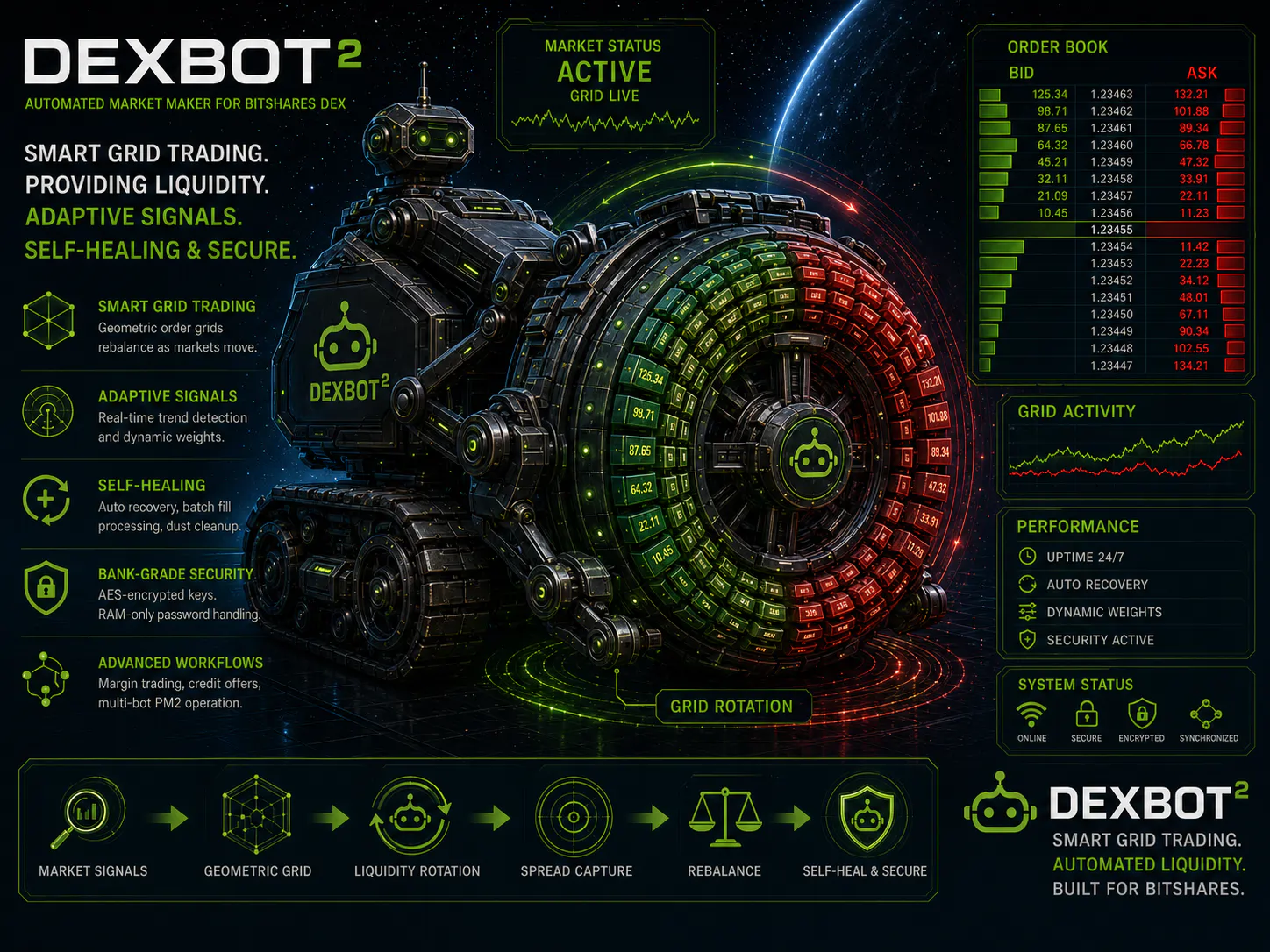
DEXBot2 is the first open source trading bot with zero runtime dependencies and a fully adaptive market making strategy.
Contents
- Quick Start
- Installation
- Configuration
- Zero-Dependency Process Management
- Bot Management
- PM2 Process Management
- Documentation
- Contributing
- License
- Links
✨ Features
- Grid Trading — geometric order grids that rebalance as price moves
- Adaptive Signals — AMA and trend inputs tune grid placement
- Credit & MPA — credit offer and debt workflows
- Runtime Safety — replay-safe fills, sync recovery, and cleanup
- Secure Ops — encrypted keys and credential daemon
🌱 Quick Start
# Requires Node.js v22.12 or newer
npm i -g dexbot

dexbot key                 # Set up master password and import keys
dexbot bot                 # Create and manage bot configurations
dexbot start               # Start DEXBot2
Detailed setup: Installation.
First Run
New to BitShares? Work through the BitShares Onboarding Tutorial first — it covers creating and funding an account, choosing the right key, and running your first bot.
Disclaimer — Use At Your Own Risk
- This software is provided "as-is" without warranty.
- Secure your keys. Never share private keys or passwords.
- The authors and maintainers are not responsible for losses.
📥 Installation
Prerequisites
You'll need Git and Node.js v22.12 or newer installed.
Linux Users
Install Git:
# Ubuntu/Debian
sudo apt-get update
sudo apt-get install git

# Arch/Manjaro/CachyOS
sudo pacman -Syu git

# Fedora/RHEL
sudo dnf install git
Most distro repos ship an outdated nodejs package, so install Node from nodejs.org.
# e.g. via nvm (from https://nodejs.org/en/download)
curl -o- https://raw.githubusercontent.com/nvm-sh/nvm/v0.40.6/install.sh | bash
\. "$HOME/.nvm/nvm.sh"
nvm install 24
Verify both installations:
node --version && npm --version && git --versionmacOS Users
Use Homebrew to install Node.js and Git:
# Install Homebrew if not already installed
/bin/bash -c "$(curl -fsSL https://raw.githubusercontent.com/Homebrew/install/HEAD/install.sh)"

# Install Node.js and Git
brew install node git
Windows Users
- Install Git from git-scm.com (accept defaults, restart after)
- Install Node.js LTS from nodejs.org (accept defaults, restart after)
- Verify installation in Command Prompt:
All three should display version numbers.
node --version && npm --version && git --version
Install DEXBot2 from npm (recommended)
npm i -g dexbotInstall DEXBot2 from source (developers)
git clone https://github.com/froooze/DEXBot2.git && cd DEXBot2
npm install
npm link
If npm link fails with EACCES or dexbot isn't found afterwards, see the first-run troubleshooting section in the onboarding guide.
Where your data lives
Both installs use the same CLI and store all user state — keys, bots.json, logs — in ~/.config/dexbot2/profiles (Windows: %USERPROFILE%\.config\dexbot2\profiles). State lives outside the repo/package tree, so it survives reinstalls and npm update -g. A source checkout that already contains a populated profiles/ directory keeps using it. Override the location with DEXBOT_PROFILE_ROOT (see the developer guide).
🔧 Configuration
Create Your Bot
Set up your master password and import your BitShares active key (WIF):
dexbot keyCreate a bot through the interactive prompts:
dexbot botThis stores your configuration in
bots.jsonin the profiles directory. The generated defaults are a good starting point — the next step walks through the few options worth tuning.
Recommended Bot Setup
Keep the default settings first, and tune these:
Tune
targetSpreadPercent— controls profit room per completed cycle: profit ≈spread - increment - fees. A wider spread targets more profit per cycle but trades less often.Tune
incrementPercent— controls order steps and order size. Smaller increments create more grid levels and smaller orders; larger increments create fewer levels and larger orders. Smaller increments cycle faster — higher profits, but more fees.Tune
weightDistribution(optional) — per-side sizing control. Higher weight = more funds in orders near the market price; lower weight = funds shifted toward the grid edge. Range-1(super-valley) to2(super-mountain); the default{ "sell": 1.0, "buy": 1.0 }suits most setups.Enable AMA — new bots anchor on
gridPrice: "ama3", but the market adapter only goes live once its per-botPriceflag is on. Opendexbot bot→2) Modify bot→ pick the bot →6) Adapterand set the flags:Price— on for AMA bots; without it the adapter only dry-runsWeight— dynamic buy/sell weights (opt-in)Range— AMA-slope range scaling (opt-in)
To change how closely the grid center tracks the market, set
gridPricein3) Priceto"ama1"–"ama4":"ama1"reacts fastest,"ama4"slowest and steadiest (higher numbers smooth more), or"ama"for the pair's default preset.The flags are stored per bot in
market_adapter_whitelist.jsonin the profiles directory and can be changed any time from the same editor section. Boolean prompts accepty/yes/trueandn/no/false; Enter keeps the current value.Start DEXBot2 with
dexbot start. If setup is incomplete,startautomatically opensdexbot keywhen no usable account key is configured, ordexbot botwhen a valid key exists but no bot is configured.Tune
minPrice/maxPricearound the market's volatility range. Once AMA is active, tighten them around the maximum expected market volatility instead of an unnecessarily wide range. Usedexbot tv <bot>to see the grid range and AMA recentering against real candles.
Bot Options Reference
Configuration options from dexbot bot, stored in bots.json in the profiles directory:
Prefer relative values — use dynamic price sources where available:
"pool"(liquidity-pool price) or"book"(order-book mid) forstartPrice,"ama"forgridPrice,"2x"-style multipliers forminPrice/maxPrice, and"100%"-style percentages for funds (botFunds). Relative values rescale automatically as the market moves; fixed numbers do not. The bot editor highlights these inputs live: green = relative/dynamic (recommended), red = fixed absolute value.
Full parameter reference (click to expand)
Grouped exactly as the bot editor shows them (dexbot bot → 2) Modify bot → pick the bot):
1) Pair
| Parameter | Type | Description |
|---|---|---|
assetA |
string | Base asset |
assetB |
string | Quote asset |
2) Identity
| Parameter | Type | Description |
|---|---|---|
name |
string | Friendly name for logging and CLI selection |
preferredAccount |
string | BitShares account name for trading |
active |
boolean | Default true. false keeps the config without running it |
dryRun |
boolean | Default false. Simulate orders without broadcasting |
3) Price
| Parameter | Type | Description |
|---|---|---|
minPrice |
num | str | Range lower bound. Default "2x" means gridPrice / 2 when AMA is active, otherwise startPrice / 2 |
maxPrice |
num | str | Range upper bound. Default "2x" means gridPrice * 2 when AMA is active, otherwise startPrice * 2 |
startPrice |
num | str | Start — initial price and adapter source. Default "pool" uses the liquidity-pool price; "book" uses the live order book mid price (best bid/ask); a number uses a fixed anchor |
poolRef |
string | null | Pool — optional pinned pool ID for startPrice: "pool". Overrides pool discovery with a direct fetch (e.g. "1.19.48" or "48"). Useful when the trading pair has no native pool. Ignored when startPrice is "book" or a number — startPrice is the master source. Default null; in the editor, none/clear (or the aliases default/pool/auto) clears the pin |
gridPrice |
num | str | null | GridPrice — grid reference for the x-factor bounds. Use "ama" for the recommended AMA center ("ama" picks the pair's default preset; "ama1"–"ama4" pin fastest to slowest; default "ama3"); null falls back to startPrice; numeric values use that fixed value |
4) Grid
| Parameter | Type | Description |
|---|---|---|
weightDistribution |
object | Weights — advanced sizing control per side. Range -1 to 2: -1 = super-valley, 0 = valley, 0.5 = neutral, 1 = mountain (default), 2 = super-mountain. Higher weight = more funds in orders near the market price; lower weight = more funds shifted toward the grid edge. Default { sell: 1, buy: 1 }; leave unchanged for normal setup |
incrementPercent |
number | Increment — geometric step between orders. Default 0.5 = 0.5% |
targetSpreadPercent |
number | Spread — width of the empty spread zone between buy and sell orders. Default 2 = 2%.Profit per completed cycle ≈ spread - increment - fees. Must be at least 2.1 × incrementPercent |
5) Inventory
| Parameter | Type | Description |
|---|---|---|
botFunds |
object | Sell/Buy — capital allocation: { sell: "100%", buy: "100%" }. Numbers or percentage strings |
activeOrders |
object | MarketOrder — target active orders per side, counted closest to the market: { sell: 20, buy: 20 } |
reserveOrders |
object | EdgeOrder — edge-pinned insurance orders resting live outside the active window, to catch fat fingers: { buy: 0, sell: 0 } (buy pins the grid floor, sell the grid ceiling; 0 disables per side) |
6) Adapter
These three booleans are stored per bot in market_adapter_whitelist.json, not in bots.json:
| Flag | Description |
|---|---|
ama (Price) |
AMA pricing and live adapter writes. Turn on for AMA bots; without it the adapter only dry-runs |
dynamicWeight (Weight) |
Dynamic buy/sell weights (opt-in; only takes effect while Price is on) |
asymmetricBounds (Range) |
AMA-slope range scaling (opt-in; only takes effect while Price is on) |
General Settings (Global)
General settings via dexbot bot, stored in general.settings.json in the profiles directory:
General settings reference (click to expand)
Grouped exactly as dexbot bot → 6) General settings shows them:
1) Grid Drift
| Setting | Default | Description |
|---|---|---|
| Grid Funds Regeneration % | 3 |
Funds — recalculates grid size when spare funds reach this % of a side's allocation (or the tracked grid overshoots allocation by this %) |
| RMS Divergence Threshold % | 14.3 |
RMS — triggers a grid reset when the calculated grid diverges from on-chain state; 0 disables (JSON only) |
| AMA Δ Threshold % | 1 |
AMA Δ — % move in the AMA center price that triggers a grid reset |
| AMA-Slope Δ Threshold % | 8 |
AMA-Slope Δ — slope-delta trigger as a percentage of max AMA slope |
2) Order Maint.
| Setting | Default | Description |
|---|---|---|
| Partial Dust Threshold % | 5 |
Dust Threshold — orders below this % of their ideal size are treated as dust and rotated (cancelled and re-placed at proper size) to keep the grid symmetric |
| Health Check Interval (min) | 240 |
Health Check — how often nodes are health-checked (stored as milliseconds) |
3) Node Config
| Setting | Default | Description |
|---|---|---|
| Node List | 7 public BitShares nodes | Nodes — sub-editor: A add, R remove (at least one must remain), D done |
| Preferred Node | none |
Pin one node URL; empty = automatic latency-based selection with failover |
4) Log Level
| Setting | Default | Description |
|---|---|---|
| Log Level | info |
debug, info, warn, error. critical is only accepted by editing general.settings.json directly. Fine-grained category control via LOGGING_CONFIG (see Logging) |
5) Updater
| Setting | Default | Description |
|---|---|---|
| Active | OFF |
Enables the automated updater (editor shows [ON/OFF]) |
| Branch | auto |
main, dev, test, or auto (detected current branch) |
| Schedule | 1 at 00:00 |
Cron schedule (Interval days, Time HH:mm, 24h) |
Constants and Overrides
Defaults in modules/constants.ts are overridable at global, pair, and bot level via general.settings.json, market_profiles.json, and market_adapter_settings.json in the profiles directory. See market_adapter/README.md for examples.
🎯 Zero-Dependency Process Management
dexbot start is the recommended production runtime (global install). Repo-root users can run ./unlock instead. It runs the selected bot set as one monolithic bot process, with the credential daemon and market adapter in separate helper processes. Monolithic start/stop/reload/restart controls apply to the whole runtime, not to individual bots.
dexbot start/stop          # Stop/start the monolithic runtime
dexbot start --dryrun      # Dry-run (no transactions broadcast)
dexbot reload              # Reload the runtime (leaves credential daemon untouched)
dexbot restart             # Restart the runtime (re-unlocks credential daemon)
dexbot delete              # Shut down and clean up
First-run details and common mistakes are covered in the BitShares Onboarding Tutorial.
🛠️ Bot Management
dexbot key                 # Master password/keyring
dexbot bot                 # Interactive bot configurator

dexbot reset {all|<bot>}   # Regenerate grid
dexbot disable {all|<bot>} # Disable bot in config
dexbot enable {all|<bot>}  # Enable bot in config

dexbot stat                # Runtime status (unlock or PM2)
dexbot order [<bot>]       # Analyze order grids (--export → HTML to analysis/charts/)
dexbot tv <bot|pool|A/B>   # TradingView 1h chart with AMA overlay (default: 3 months)
dexbot pnl <bot|account>   # HTML PnL report (--month N, optional --pair A/B)
dexbot credit [<bot>]      # Live summed MPA + borrowed-credit positions
dexbot export <bot>        # Export trades + settings (CSV/JSON) for analysis/

dexbot update              # Update DEXBot2
dexbot clear               # Delete log files in <profiles>/logs
dexbot default             # Reset settings to defaults
dexbot help                # Grouped command reference
🎯 PM2 Process Management
PM2 is optional — dexbot start is the native solution.
dexbot pm2 [<bot>]                         # Start with PM2
dexbot pm2 reload {all|<bot>}              # Reload managed apps, dexbot-cred untouched
dexbot pm2 restart {all|<bot>|dexbot-cred} # Safe restart
dexbot pm2 stop {all|<bot>}                # Stop (via wrapper)
dexbot pm2 delete {all|<bot>}              # Delete (via wrapper)
pm2 logs [<bot>]                           # Real-time logs
Always use dexbot pm2 restart instead of raw pm2 restart all — the wrapper safely handles the credential daemon. If the credential daemon stops, rerun dexbot pm2.
Repo-root users can use
./pm2instead ofdexbot pm2.
Logs are written to logs/ in the profiles directory in all modes: the monolithic runtime uses dexbot.log / dexbot-error.log, and per-bot output uses <bot>.log / <bot>-error.log.
📚 Documentation
User-Facing Workflows
- BitShares Onboarding - Beginner tutorial: create and fund an account, choose the right key, and run your first bot
- Market Adapter - AMA pricing, grid triggers, dynamic weights, and collateral advisory signals
- MPA and Credit Usage - Bot-scoped debt policy, MPA borrowing, and credit offer workflows
- Analysis - Research runners, chart generators, and tuning helpers for AMA fitting, trend detection, bot fitting, and TradingView exports
- Claw - Bridge setup, launcher commands, short MPA workflow, and example commands
Operational & Security
- Credential Security - Key handling, daemon-backed signing, and runtime file hardening
- Grid Recalculation - Market-adapter bootstrap/delta/slope resets, divergence correction, fund regeneration, and runtime trigger handling
- Grid Reconciliation - Startup 3-phase reconcile, offline fill detection, and stale surplus cleanup
- Logging - Logging system documentation
- Docker - Container build, release images, and secure startup
Reference Docs
- Docs Index - Main documentation hub
- Architecture - System design, fill processing pipeline, and testing strategy
- Lifecycle - End-to-end walkthrough: startup, fill-driven, and AMA-driven flows with diagrams
- Copy-on-Write Plan - Copy-on-Write grid architecture
- Fund Movement & Accounting - Fund accounting, grid topology, and rotation mechanics
- Claw API Boundary - Responsibility split between the AI layer and the DEXBot2 execution layer
- Developer Guide - Development guide, environment variables, examples, and glossary
- Workflow - Project workflow and contribution guide
- Evolution Report - Project timeline, architecture phases, and release history
🤝 Contributing
- Fork the repository and create a feature branch
- Make your changes and test with
npm test - Submit a pull request
📄 License
MIT License - see LICENSE file for details



